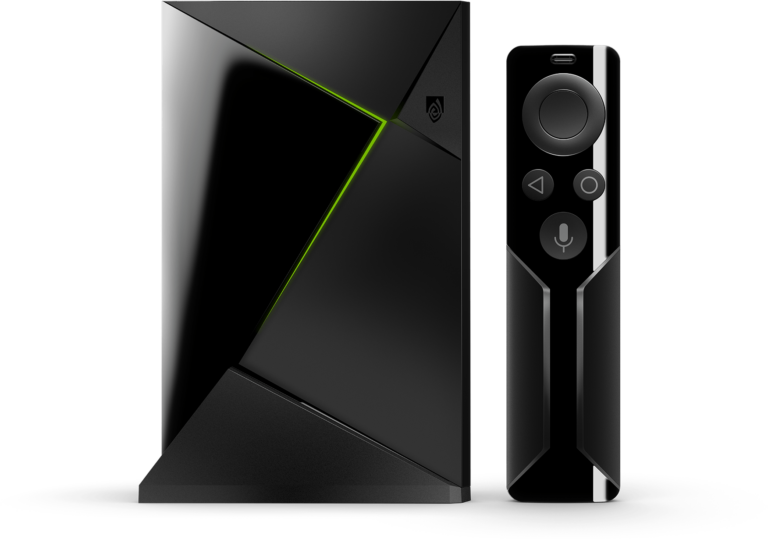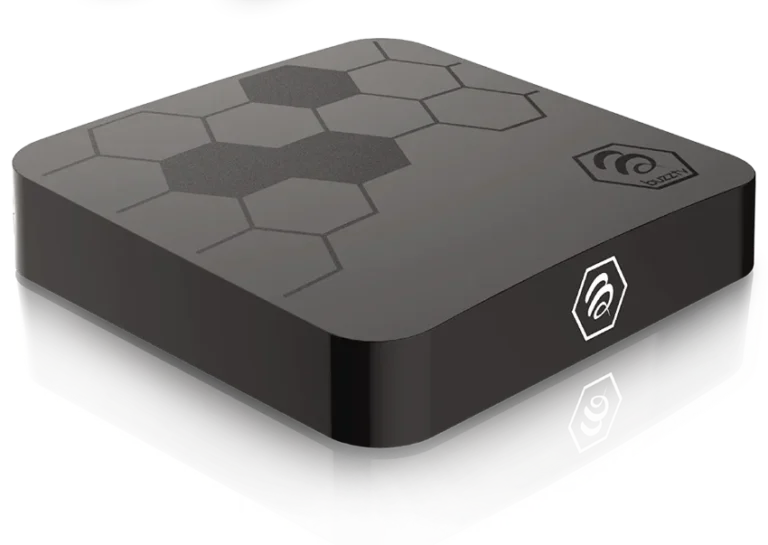
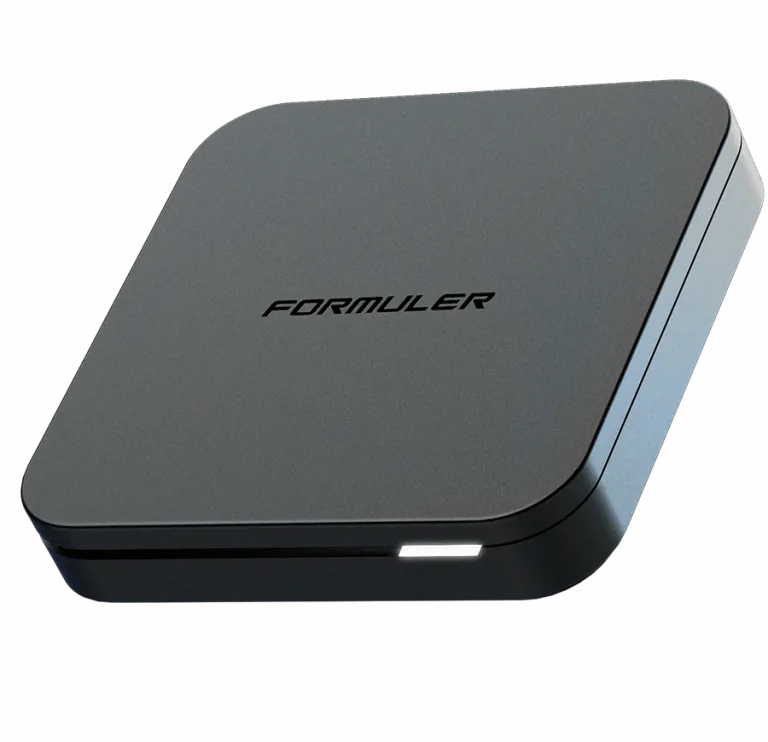

🚀 How to Setup Your Dynasty IPTV Subscription on Formuler Box
Formuler boxes are high-end IPTV devices famous for their MYTVOnline (1, 2, or 3) app. This built-in player is widely considered the best in the world for a seamless, cable-like experience with Dynasty IPTV.
🟢 Step 1: Choose Your Method
Formuler gives you two professional ways to connect. Using the native app is the “Premium” choice for 2026.
- Option A: MYTVOnline 2/3 (The Premium Way)
- This is the built-in app. It features lightning-fast zapping, high-end recording, and the most stable 4K playback.
- Option B: IPTV Smarters Pro (The Free Way)
- If you prefer the Smarters interface, you can install it via the Market app or the Google Play Store pre-installed on your Formuler box.
🟢 Step 2: Connecting via MYTVOnline (Recommended)
- Open the MYTVOnline (or MOL3) app.
- Go to Menu > Connections > Add Portal (or Add Playlist).
- Choose Xtream Codes API (This is the most stable for Dynasty IPTV).
- Enter the credentials from your Dynasty IPTV welcome email:
- Portal Nickname:
Dynasty IPTV - Portal URL: (Check your email)
- Username: (Check your email)
- Password: (Check your email)
- Portal Nickname:
- Click Connect or Add.
🟢 Step 3: Alternative MAC Activation
If you prefer the “Stalker” portal style (using only a URL):
- Find your MAC ID (it starts with
00:1A:79). You can find this on the bottom sticker of your box or in the app settings. - Send this MAC ID to Uzzutv.io/contact.
- Once we activate it, simply enter the Portal URL we provide into your settings and you’re good to go!
🟢 Comparison: Formuler Setup Options
| Feature | MYTVOnline 3 (Native) | IPTV Smarters (App) |
| Zapping Speed | 🏆 World Record (Instant) | Fast |
| TV Guide (EPG) | Advanced / 7-Day | Standard |
| Recording (PVR) | Professional Grade | Basic |
| Remote Support | 100% Dedicated Buttons | Standard Navigation |
🟢 Exclusive Formuler Pro-Tips
- Group Management: In MOL3, use the “Group Editor” to hide channel categories you don’t watch, keeping your sports and movies front and center.
- Storage for Recording: Formuler boxes have excellent PVR features. Plug in a USB 3.0 or a MicroSD card to record your favorite matches directly.
- Hotkeys: You can program the colored buttons (Red, Green, Yellow, Blue) on your Formuler remote to open Dynasty IPTV instantly from the home screen.
🆘 Need Assistance?
If you have a newer Formuler Z11 or GTV and need help with the 2026 firmware updates, or if your portal isn’t connecting, please reach out:
👉 Contact Dynasty IPTV Support: Uzzutv.io/contact