
🚀 How to Setup Your Dynasty IPTV Subscription on NVIDIA Shield TV
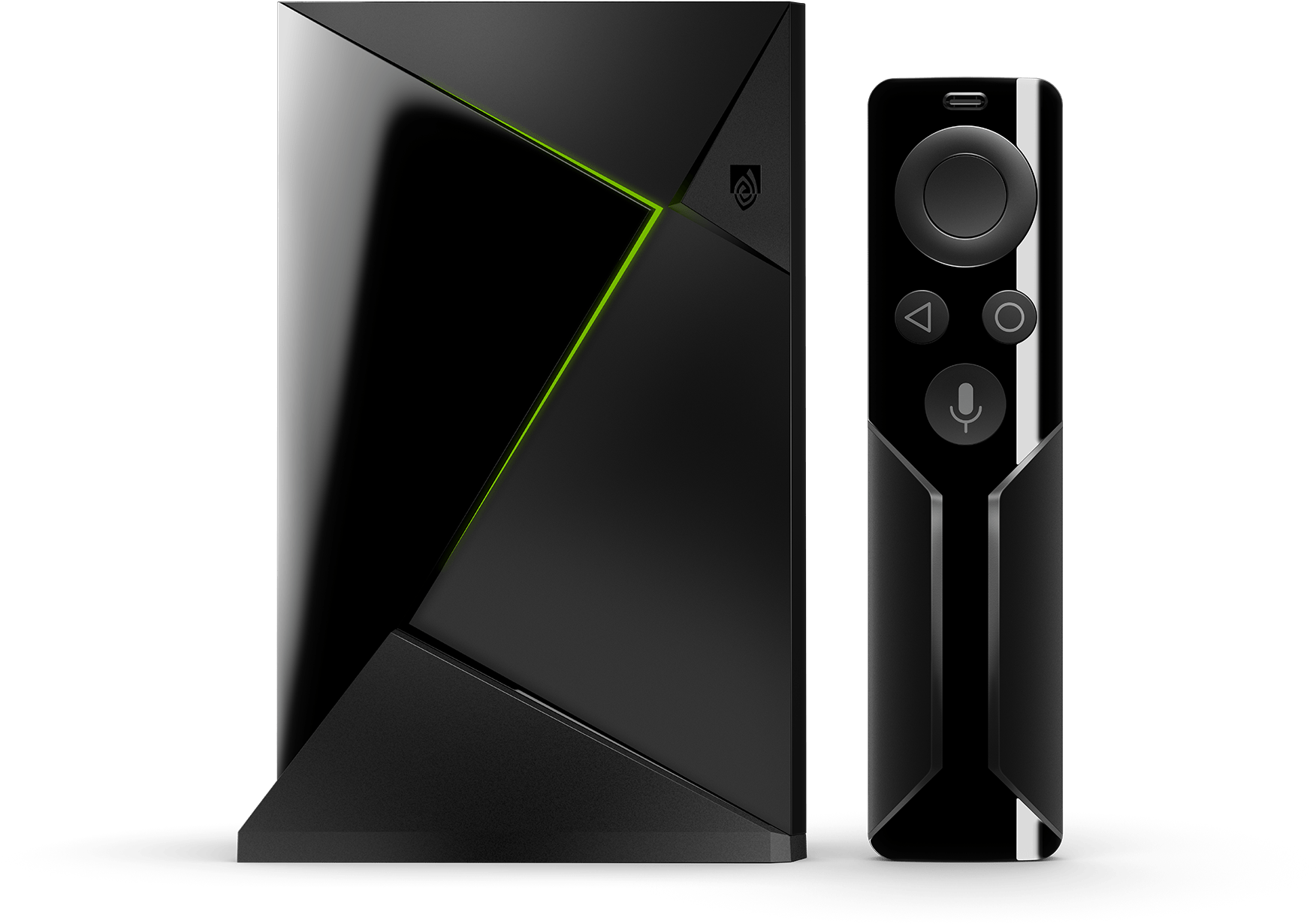
The NVIDIA Shield is the “King of Streaming” devices. Because it runs a high-end version of Android TV, it offers the fastest channel switching and the most stable 4K playback for Dynasty IPTV.
🟢 Step 1: Enable High-Performance Installs
Since the Shield is a professional-grade device, we recommend using the “Downloader” method to get the most optimized versions of our players.
- Go to Settings (Gear Icon) > Device Preferences > Security & Restrictions.
- Toggle ON “Unknown Sources” (if you’ve already installed Downloader).
- Note: If you haven’t yet, go to the Google Play Store, search for “Downloader”, and install it first.
🟢 Step 2: Install the Best 4K Players
Open the Downloader app and enter the following codes to get the best experience for 2026:
- Option A: TiviMate (The Premium Way) * Downloader Code:
272483- Why for Shield? The Shield’s processor is built for TiviMate. This combo gives you an ultra-fast, cable-box interface with 4K HDR support.
- Option B: IPTV Smarters Pro (The Free Way) * Downloader Code:
250931- Why for Shield? It’s 100% free and very easy to set up for beginners.
🟢 Step 3: Connecting to Dynasty IPTV
Launch your app and use the Xtream Codes API to log in:
- Select “Add User” then “Login with Xtream Codes API”.
- Enter your Dynasty IPTV credentials:
- Any Name:
Dynasty IPTV - Username: (Check your welcome email)
- Password: (Check your welcome email)
- Server URL: (Check your welcome email)
- Any Name:
- Click Login and your high-def channel list will populate.
🟢 Comparison: Shield Performance
| Feature | TiviMate (Premium) | IPTV Smarters (Free) |
| Zapping Speed | 🏆 Instant (Best on Shield) | Fast |
| AI Upscaling | Fully Compatible | Compatible |
| Multi-View | Up to 9 Screens (Pro) | Up to 4 Screens |
| User Interface | Professional / Sleek | Modern / Simple |
🟢 Exclusive Shield Pro-Tips
- AI Upscaling: If you have a Shield TV Pro, set AI Upscaling to “Medium” or “High” in the Shield settings. This will make our HD channels look like native 4K.
- Storage Expansion: The Shield is excellent for recording. Plug in a USB 3.0 drive or SSD to record live sports and watch them later.
- Ethernet over Wi-Fi: For the absolute best 2026 streaming experience, use the Shield’s Gigabit Ethernet port.
🆘 Need Assistance?
If you have trouble with the AI Upscaling settings or need your login details, our expert support team is ready to help:
👉 Contact Dynasty IPTV Support: Uzzutv.io/contact