
🚀 How to Setup Your Dynasty IPTV Subscription on Roku (2026 Latest)
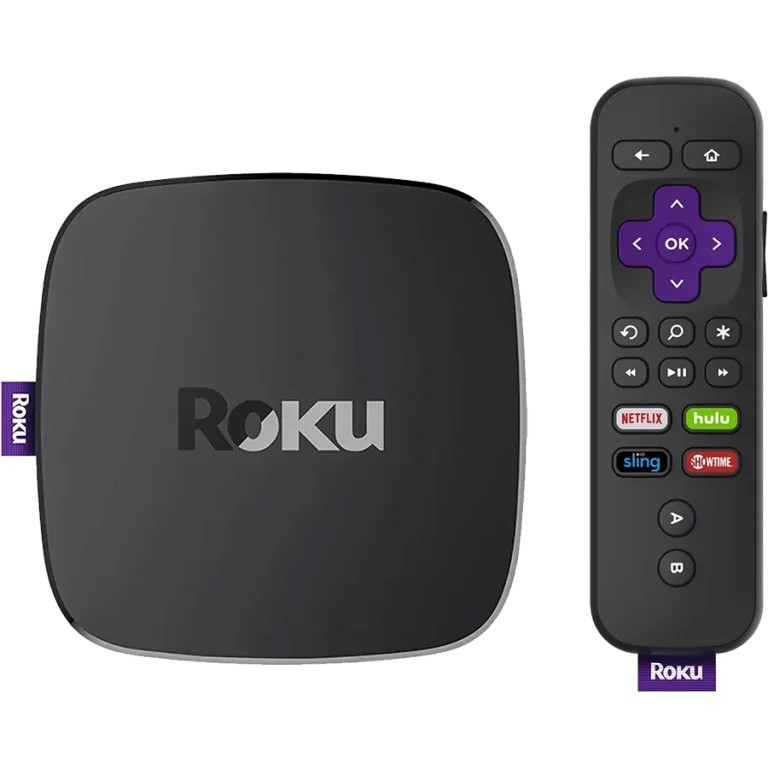
Roku remains a closed ecosystem, but in 2026, the best way to watch Dynasty IPTV is through officially sanctioned players in the Roku Channel Store. This avoids the need for complex “developer mode” hacks and ensures the best stability.
🟢 Step 1: Choose Your Player
Search for these specific apps in the Roku Channel Store. We have categorized them by the “Free” vs. “Premium” experience.
- Option A: IPTV Smarters Player (The Free Way) * Still the #1 free choice for Roku users. It’s reliable and easy to navigate.
- Search for:
IPTV Smarters Player(Developed by Smarters Vision).
- Search for:
- Option B: Hot Player or IPTV Pro (The Premium Way) * These apps often offer a smoother interface and better 4K optimization for the latest Roku Ultra and Roku TVs.
- Search for:
Hot PlayerorIPTV Pro.
- Search for:
🟢 Step 2: Connecting to Dynasty IPTV
Once you open your chosen app, use the Xtream Codes API method. It is the most stable connection for 2026 servers.
- Open the app and select “Login with Xtream Codes API”.
- Enter your credentials from your Dynasty IPTV welcome email:
- Any Name:
Dynasty IPTV - Username: (Check your email)
- Password: (Check your email)
- Server URL: (Check your email)
- Any Name:
- Click “Add User” and wait for the “Channels” and “VOD” to download.
🟢 Comparison: Roku Player Options
| Feature | IPTV Smarters (Free) | Hot Player (Premium) |
| Cost | 🟢 100% Free | 🟡 One-time activation fee |
| Zapping Speed | Fast | ⚡ Ultra-Fast |
| Interface | Standard Grid | Modern / Premium |
| EPG (TV Guide) | Supported | Advanced Auto-Sync |
🟢 The 2026 “Web Cast” Alternative
If a Roku update ever removes your IPTV app, use this 100% Free backup method:
- Install Web Video Caster on your mobile phone (iOS/Android).
- Install the Web Video Caster Receiver on your Roku.
- Open the mobile app, log in to our web player, and “Cast” the stream directly to your TV.
🆘 Need Assistance?
If you cannot find the apps in the store or your login isn’t working, our 24/7 support team is here for you:
👉 Contact Dynasty IPTV Support: Uzzutv.io/contact