
🚀 How to Setup Your Dynasty IPTV Subscription on Android TV & TV Boxes
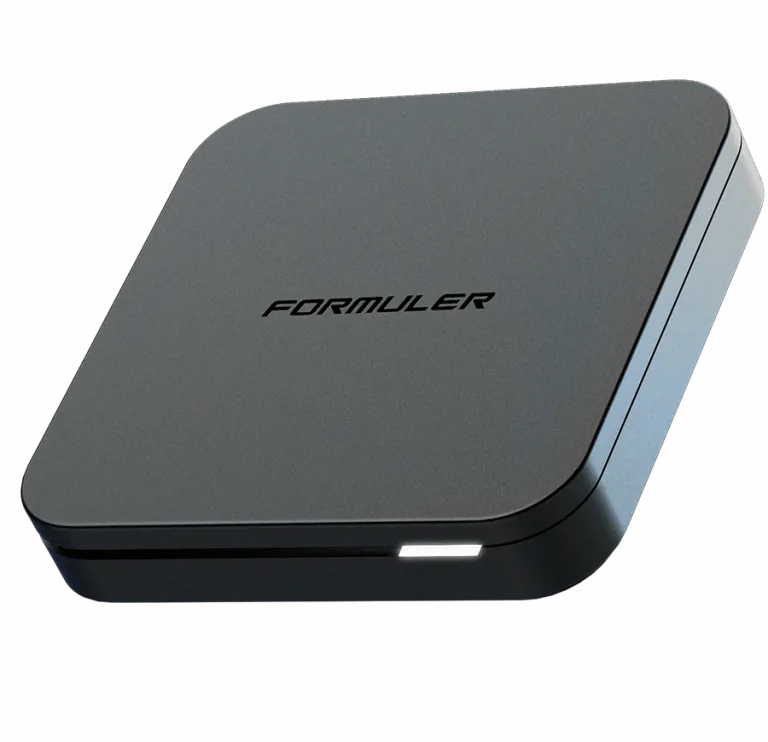
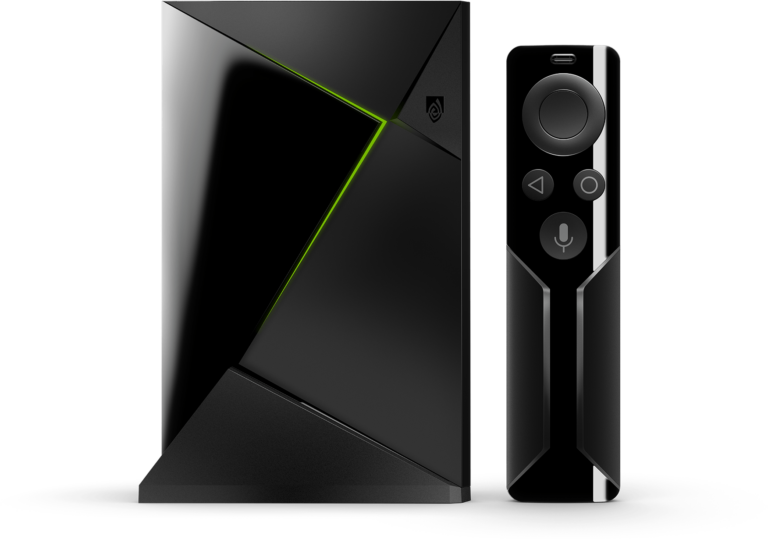
Setting up Dynasty IPTV on an Android TV (Sony, Hisense, TCL) or an Android TV Box (Nvidia Shield, Mi Box) is very similar to the Firestick process but allows for more flexibility through the Google Play Store.
Step 1: Enable Sideloading (If using third-party APKs)
If you plan to install a player that isn’t on the official Play Store, you must allow your device to install external files.
- Go to Settings (Gear icon) > Device Preferences (or System).
- Select Security & Restrictions.
- Turn ON “Unknown Sources.”
- Note: On newer Android TV versions (v10+), you will enable this specifically for the “Downloader” or “File Manager” app after you install it.
Step 2: Install Your Preferred Player
You have two main ways to get a player on Android TV:
- Option A: The Easy Way (Google Play Store)
- Open the Google Play Store on your TV.
- Search for “IPTV Smarters Pro” or “TiviMate IPTV Player”.
- Download and install directly.
- Option B: The Pro Way (Using Downloader)
- Search for and install the Downloader app from the Play Store.
- Open Downloader and enter the following codes to install the best versions:
- IPTV Smarters Pro:
250931 - TiviMate:
272483
- IPTV Smarters Pro:
Step 3: Connecting to Dynasty IPTV
Launch the app you just installed and follow these steps to link your account:
- Select “Login with Xtream Codes API” (the fastest and most stable method).
- Enter the credentials provided in your Dynasty IPTV welcome email:
- Any Name: Dynasty IPTV
- Username: (See your email)
- Password: (See your email)
- Server URL: (See your email)
- Click Add User and wait for the channels to download.
Quick Comparison for Android Users
| Feature | IPTV Smarters Pro | TiviMate |
| Availability | Play Store / APK | Play Store (Recommended) |
| Best For | Beginners & VOD | Professional “Cable TV” feel |
| Performance | Reliable | Lightning Fast |
| Customization | Low | High (TV Guide, Favorites) |
🆘 Troubleshooting & Support
- No Channels Loading? Double-check your Server URL. It must be entered exactly as shown in your email (including
http://and the port number). - Buffering? We highly recommend a wired Ethernet connection or a 5GHz Wi-Fi signal.
For more detailed guides or to manage your account, visit us at: