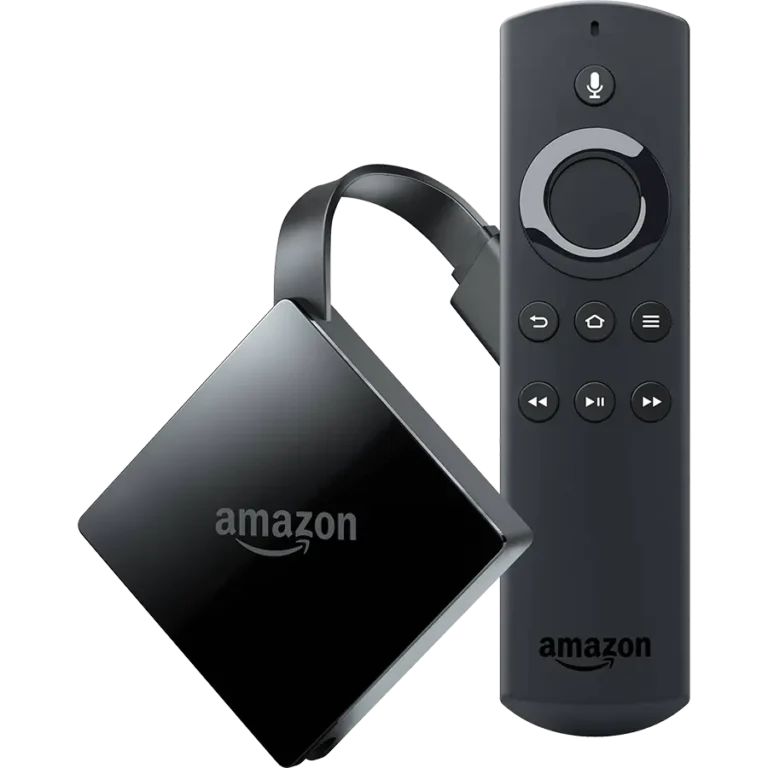

🚀 How to Setup Your Dynasty IPTV Subscription on Firestick
Welcome to Dynasty IPTV! To get the most out of our premium service, you need a high-performance player. Follow this step-by-step guide to get your Firestick up and running in less than 5 minutes.
Step 1: Enable Sideloading
Since high-performance players are professional third-party apps, you need to allow your Firestick to install them.
- Go to Settings > My Fire TV.
- Select About.
- Click on your Fire TV Stick name 7 times quickly until it says “You are now a developer.”
- Go back one screen and open Developer Options.
- Turn ON “Apps from Unknown Sources” (specifically for the Downloader app).
Step 2: Install the “Downloader” App
- Search for the app Downloader on the Firestick home screen.
- Install and open it.
- When it asks for permissions, click Allow.
Step 3: Download the Best Players for Dynasty IPTV
In the Downloader app search box, simply type one of the following Short Codes to start the automatic installation:
- Option A: IPTV Smarters Pro (Best Free Player)
- This is the most recommended free player for Dynasty IPTV users. It is user-friendly and perfectly supports our VOD and EPG (TV Guide) features.
- Downloader Code:
250931 - Why choose this? Best for beginners, great layout, and 100% free to use.
- Option B: TiviMate (The Premium Experience)
- For users who want a high-end, cable-TV interface with lightning-fast channel switching and advanced recording.
- Downloader Code:
272483 - Why choose this? It is the most professional interface available on the market today.
Step 4: Connecting to Dynasty IPTV
Once your chosen app is installed, select “Login with Xtream Codes API” and enter the credentials we provided in your welcome email:
- Any Name: Dynasty IPTV
- Username: (Provided in your email)
- Password: (Provided in your email)
- Server URL: (Provided in your email)
Pro Tip: For the smoothest 4K experience and to avoid any ISP throttling, we recommend keeping a VPN active while streaming with Dynasty IPTV.
Comparison: Which App Should You Choose?
| Feature | IPTV Smarters Pro | TiviMate |
| Interface | Modern & Easy | Professional / Cable Style |
| Multi-Screen | Standard | Advanced (Up to 4) |
| Zapping Speed | Fast | Ultra-Fast |
| Setup Ease | Simple | Intermediate |
🆘 Need Assistance?
At Dynasty IPTV, we pride ourselves on top-tier customer support. If you have any issues with your setup or login, please visit our official support page:
👉 Visit Uzzutv.com