
🚀 How to Setup Your Dynasty IPTV Subscription on BuzzTV Box
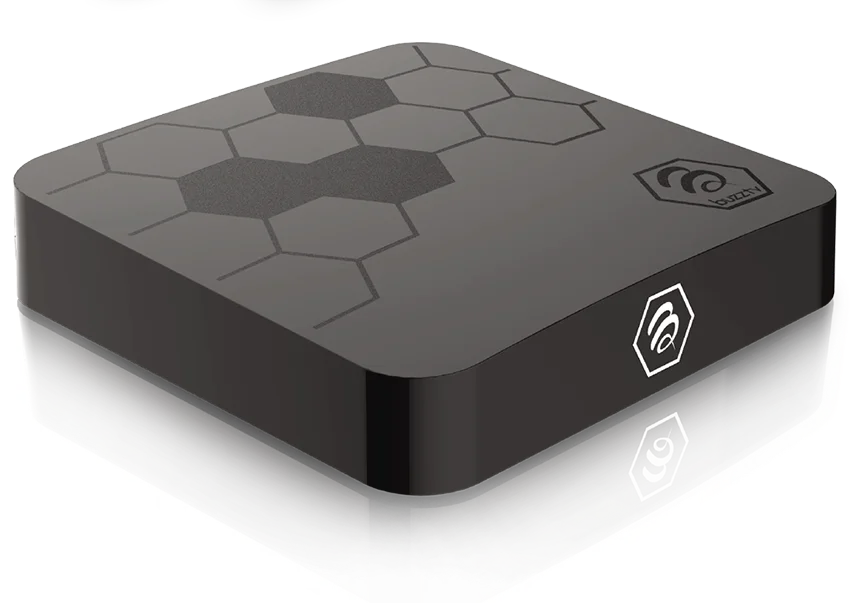
BuzzTV boxes are high-performance Android devices specifically designed for IPTV. They feature the proprietary BuzzTV 5 (or newer) interface, which is widely considered one of the best in the industry.
🟢 Step 1: Choose Your Method
BuzzTV allows you to use its powerful built-in player (The Premium Way) or download third-party apps (The Free Way).
- Option A: Built-in BuzzTV App (The Premium Way) * This is the native player that comes pre-installed. It offers the fastest zapping speeds and the best integration with your BuzzTV remote.
- Option B: IPTV Smarters Pro (The Free Way) * If you prefer the standard layout used on other devices, you can install Smarters from the Aptoide TV store or Google Play Store pre-installed on your box.
🟢 Step 2: Connecting to Dynasty IPTV (Native App)
- Open the BuzzTV app from your home screen.
- Select Settings > Servers.
- Click “Add Server” or the “+” icon.
- Enter your Dynasty IPTV details from your welcome email:
- Server Name:
Dynasty IPTV - Server URL: (Check your email)
- Username: (Check your email)
- Password: (Check your email)
- Server Name:
- Click Connect.
🟢 Step 3: MAC Address Activation (Alternative)
If you prefer the “MAG style” interface on your BuzzTV:
- Locate your MAC Address (Found in Settings > Player Settings or on the bottom of the box).
- Contact us at Uzzutv.io/contact with your MAC address to have it activated.
- Add the Portal URL we provide into the Server Settings.
🟢 Comparison: BuzzTV Setup Options
| Feature | Native BuzzTV App | IPTV Smarters (Free) |
| Performance | 🏆 Optimized for Hardware | Standard |
| Remote Support | Full Button Integration | Limited |
| Recording/PVR | Advanced Support | Basic |
| Setup Speed | ⚡ Instant | ⚡ Fast |
🟢 Pro Tips for BuzzTV Users
- External Storage: BuzzTV boxes handle external hard drives exceptionally well. If you plan to record live sports, plug in a USB drive and set it as your recording path in the settings.
- Automatic Updates: Ensure “Auto-update” is on in the BuzzTV app settings to get the latest server optimizations automatically.
🆘 Need Assistance?
If you have a newer BuzzTV model (like the X5 or PowerStation) and need specific help with the 2026 interface updates, our team is ready to assist:
👉 Contact Dynasty IPTV Support: Uzzutv.io/contact